You have just published your site via FTP or another method, but the browser still displays the SwissCenter placeholder page instead of your homepage. This page is served by the swisscenter.php file placed when the hosting was created: you just need to delete it.
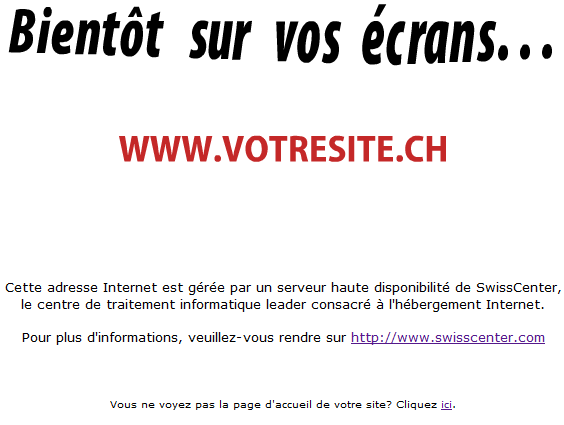
In short: in Hosting management, Tools card, open File explorer and delete swisscenter.php at the root of the site, then check that your homepage is named index.html, index.htm or index.php.
Prerequisites
How do I remove the placeholder page?
- Log in to your Apanel console.
- From the dashboard, click the name of your domain to open Hosting management.
- In the Tools card, click File explorer.
- Open the folder named after your domain (the root of the site) and delete the
swisscenter.php file. With FTP software, it works the same way: delete this file at the root of the site.
- Ensure that your homepage uses one of the recognized names:
index.html, index.htm or index.php.
Also check the publication location. Your files must be uploaded to the folder named after your domain. A site published alongside this folder will never be served.
Troubleshooting
Clear your browser cache, then reload the page. If the placeholder page still appears, open a request with our support team indicating the relevant domain name.
Going further